
Keep the story
together.
Break down a script, build a cast and world, then generate and review shots with the right references in view.
She reaches the signal house before dark.
Give every shot
its context.
Attach the scene, cast, and relevant props to a shot. Check that context before generating the next frame.
- SOURCESCREENPLAYEXT. SIGNAL HOUSE - BLUE HOURScene and shot plan
A cartographer carries a brass signal instrument in from the storm. She turns its lens toward the sea.
- REFERENCESCAST & WORLDReusable visual references
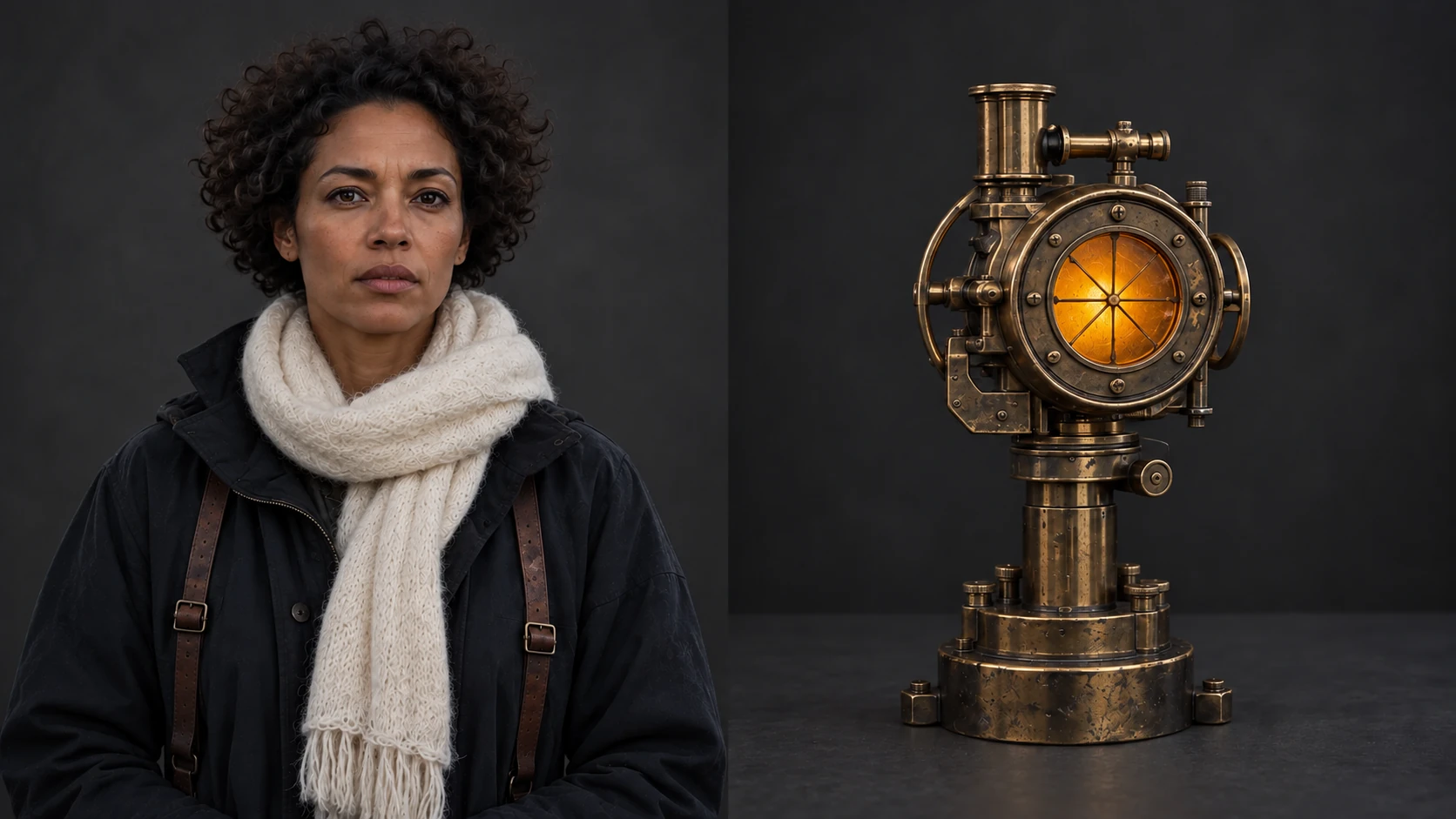 CARTOGRAPHERBRASS LENS
 - OUTPUTSHOT 02Frames and clips to review
 ALIGN THE LENS
Illustrative production example created for this page.
From script to
reviewed shot.
Scenes, references, frames, and renders belong to the same production.
Explore the platform- 01
Break down the script
Break a screenplay into scenes and shots, then identify the cast and locations each scene needs.
SCRIPT / SCENES / SHOTS - 02
Set the references
Create reusable visual references for characters, locations, and props before generating.
CAST / WORLD / LOOKS - 03
Generate and review
Make frames and clips for each shot, compare results, and keep the take that works.
FRAMES / CLIPS / REVIEW
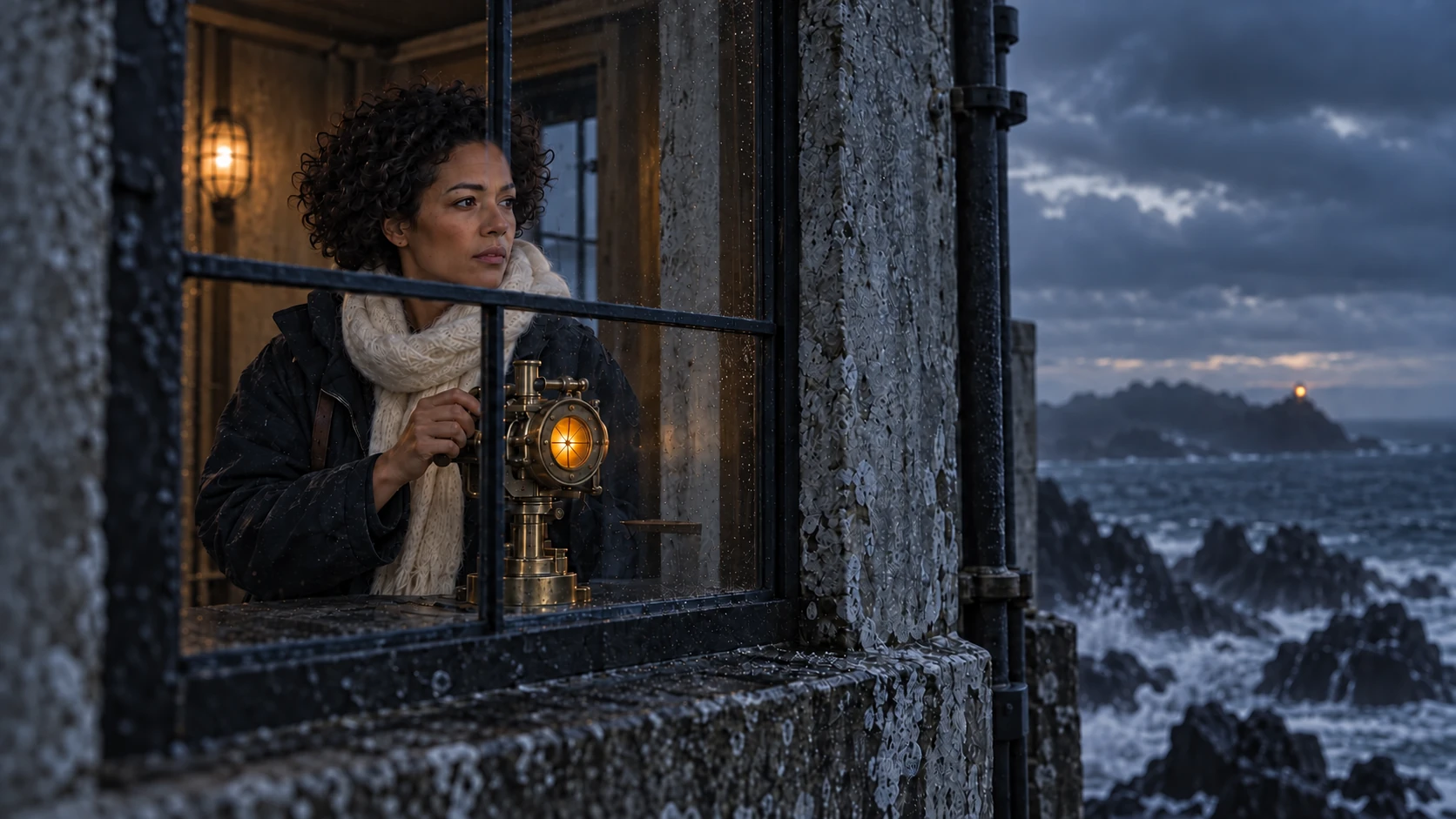 THE SIGNAL HOUSE / SHOT 03
Need a
production team?
The Mixio team can help plan and produce work using the same studio workflow. Bring the script, the brief, or a production challenge.
Meet the StudioNews
The latest from Mixio.

MiniMax H3 (Hailuo 3.0) is live on Mixio
2K, 24fps, native stereo audio, and omni reference: MiniMax’s newest multimodal video model, routed through the same API key as every other model on Mixio.
Explore the model
The MiniMax H3 prompt guide
Full specs, omni reference rules, and the five-block brief structure for getting cinematic, on-model results out of H3.
Read the guideA few things
to know.
What can I start with?
Start with a screenplay or a project idea. Mixio gives you a place to organize scenes, shots, cast, locations, and the media you make for them.
How do references work?
Add character, location, and prop references to a project, then attach the relevant ones to a shot when you plan or generate it.
Can I choose a video model?
Yes. You can choose from the video models available in your workspace when generating a shot.
Can the Mixio team help with production?
Yes. The Studio team can help plan and produce a project with you. Tell us about the work through the contact page.
Have a script
or a shot list?
Bring it to a short call. We’ll walk through the references, shots, and generation approach it needs.
Book a call